
365 Days Of Daily Coding: Day 19
Continuing with the Oracle SQL Join Types- Part 1 series, I have listed down the other 6 ‘JOIN’ types in SQL.
5. SEMI JOIN
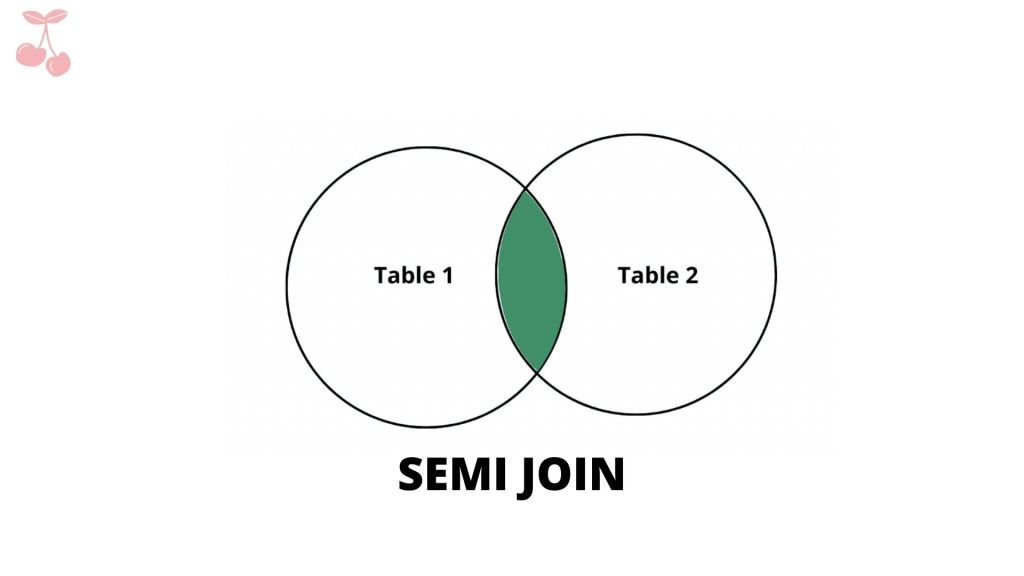
SELECT *
FROM Table1 t1
WHERE EXISTS (SELECT 1
FROM Table2 t2
WHERE t1.fk = t2.id
);
“A semi-join is not the same thing at all: it returns a set of rows in one table that is constrained by the existence of data in some other table, without actually drawing any data from that other table. It’s implemented by ‘NOT IN’ or ‘EXISTS’.”
Output of the query:
| id | Name | fk | fk_table3 |
|---|---|---|---|
| 1 | Steve | 1 | – |
| 4 | Fred | 1 | – |
| 3 | Mary | 2 | – |
| 2 | Aron | 3 | – |
| 5 | Anne | 5 | – |
| 6 | Beth | 8 | 1 |
Difference between LEFT JOIN and SEMI JOIN
I found an excellent stackover flow post regarding the difference between what a ‘LEFT OUTER JOIN’ and ‘SEMI- JOIN’. The difference between the ‘LEFT OUTER JOIN’ and ‘SEMI-JOIN’ comes from the order of the execution of the queries. The latter being more efficient that a ‘LEFT OUTER JOIN’.
For instance: Example taken from the post
LEFT JOIN
SELECT DISTINCT s.id
FROM  students s
      LEFT JOIN grades g ON g.student_id = s.id
WHERE g.student_id IS NOT NULL
Order of Execution:
- FROM All the records from ‘student’ table is selected.
- JOIN The ‘JOIN’ clause returns every other rows combining both thee tables ‘student’ and ‘grades’.
- WHERE Records with the student_id is discarded or filtered out
- SELECTS All the records are selected after the ‘WHERE’ clause
- DISTINCT Only the distinct ids are returned after the records have been selected.
SEMI JOIN
SELECT s.id
FROM  students s
WHERE EXISTS (SELECT 1 FROM grades g
              WHERE g.student_id = s.id)
Order of Execution:
- FROM All the records from the table ‘student’ is selected.
- Each records are processed separately row by row.
- SUBQUERY The record is checked if there’s atleast one grade for that student.
- SELECT After all the records with the grade are identified, they are selected.
This order of execution may vary because of the SQL optimiser but the general idea is to under the sequence of the execution of the queries and why ‘SEMI JOIN’ is efficient compared to ‘LEFT OUTER JOIN’ in the above case.
6. ANTI SEMI JOIN
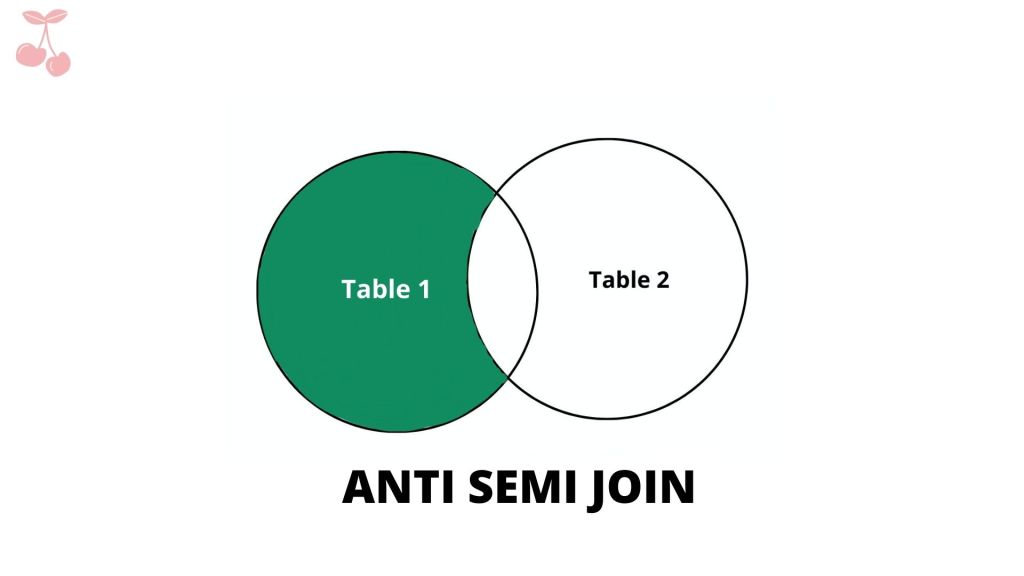
SELECT *
FROM Table1 t1
WHERE NOT EXISTS (SELECT 1
FROM Table2 t2
WHERE t1.fk = t2.id
);
Anti Semi Join is exactly opposite of the Semi Join. For anti semi join, for every row in the first table with no match in the second table is returned.
Output of the above query:
| Id | Name | fk | fk_Table3 |
|---|---|---|---|
| 7 | Johnny | – | 1 |
| 8 | Kerry | – | 2 |
7. LEFT OUTER JOIN with exclusion – replacement for a NOT IN
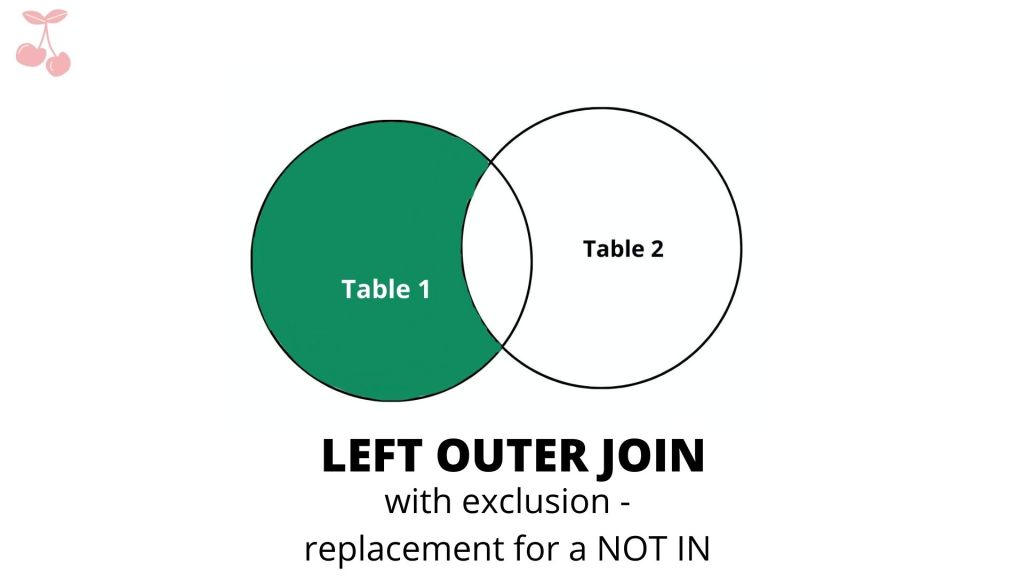
SELECT *
FROM Table1 t1
LEFT OUTER JOIN Table2 t2
ON t1.fk = t2.id
WHERE t2.id IS NULL;
Left Outer Join with exclusion is like the ‘ANTI SEMI JOIN’. The only difference would be the order of execution where the anti join could be more efficient than the former.
Output of the above query:
| Id | Name | fk | fk_Table3 | Id | Favorite Color |
|---|---|---|---|---|---|
| 7 | Johnny | – | 1 | – | – |
| 8 | Kerry | – | 2 | – | – |
8. RIGHT OUTER JOIN with exclusion – replacement for a NOT IN
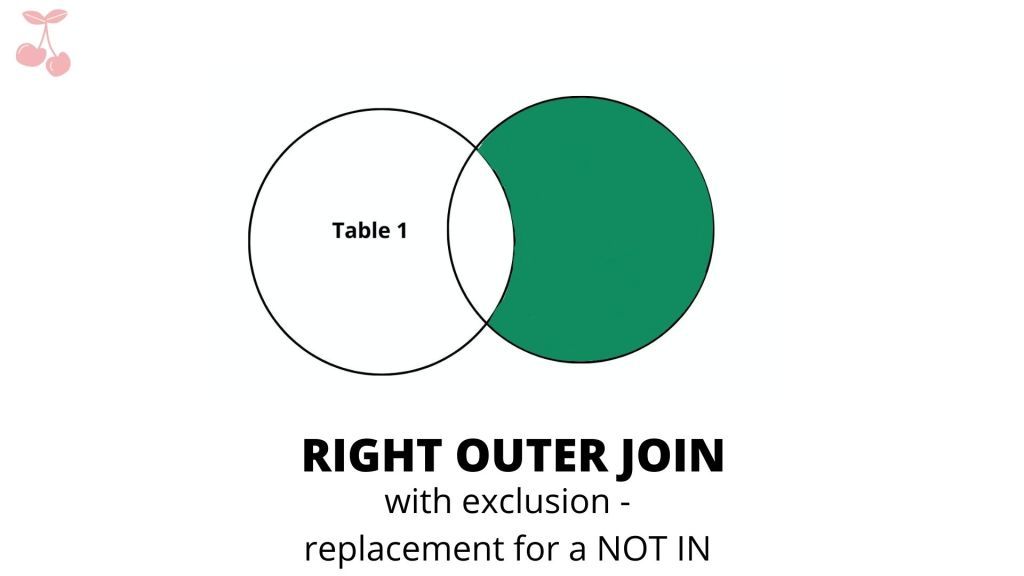
SELECT *
FROM Table1 t1
RIGHT OUTER JOIN Table2 t2
ON t1.fk = t2.id
WHERE t1.fk IS NULL;
Much has been talked about this while talking about ‘SEMI JOIN’.
Output of the above query:
| Id | Name | fk | fk_Table3 | Id | Favorite Color |
|---|---|---|---|---|---|
| – | – | – | – | 4 | Pink |
| – | – | – | – | 6 | Mauve |
| – | – | – | – | 7 | Orange |
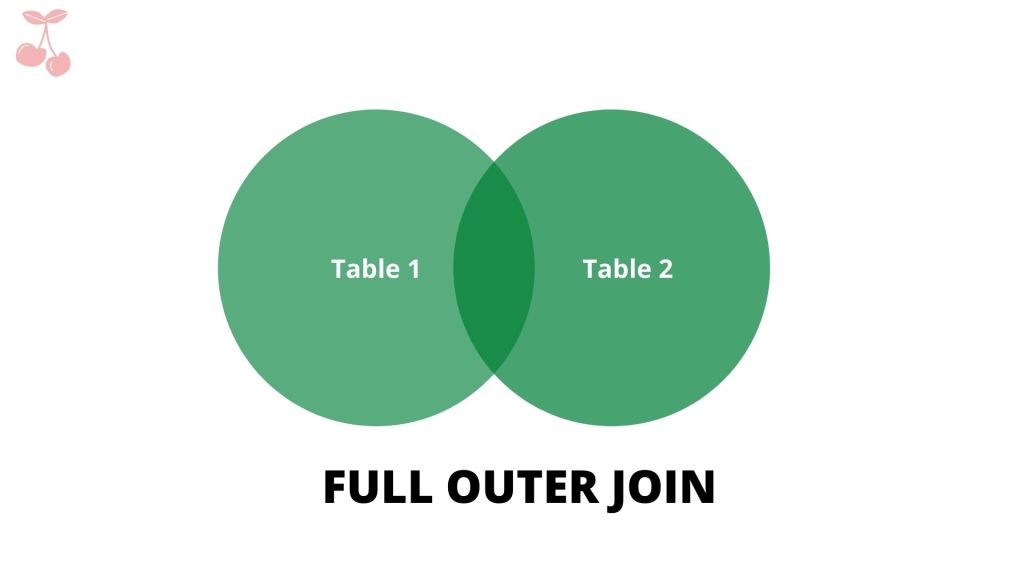
9. FULL OUTER JOIN
SELECT *
FROM Table1 t1
FULL OUTER JOIN Table2 t2
ON t1.fk = t2.id
ORDER BY t1.id;
A full outer join performs a join between two tables that returns the results of an INNER join as well as the results of a left and right outer join. source
Output of the above query:
| Id | Name | fk | fk_Table3 | Id | Favorite Color |
|---|---|---|---|---|---|
| 1 | Steve | 1 | – | 1 | Red |
| 1 | Steve | 1 | – | 1 | Indigo |
| 2 | Aron | 3 | – | 3 | Blue |
| 3 | Mary | 2 | – | 2 | Green |
| 4 | Fred | 1 | – | 1 | Red |
| 4 | Fred | 1 | – | 1 | Indigo |
| 5 | Anne | 5 | – | 5 | Purple |
| 6 | Beth | 8 | 1 | 8 | Yellow |
| 7 | Johnny | – | 1 | – | – |
| 8 | Kerry | – | 2 | – | – |
| – | – | – | – | 4 | Pink |
| 6 | Mauve | ||||
| 7 | Orange |
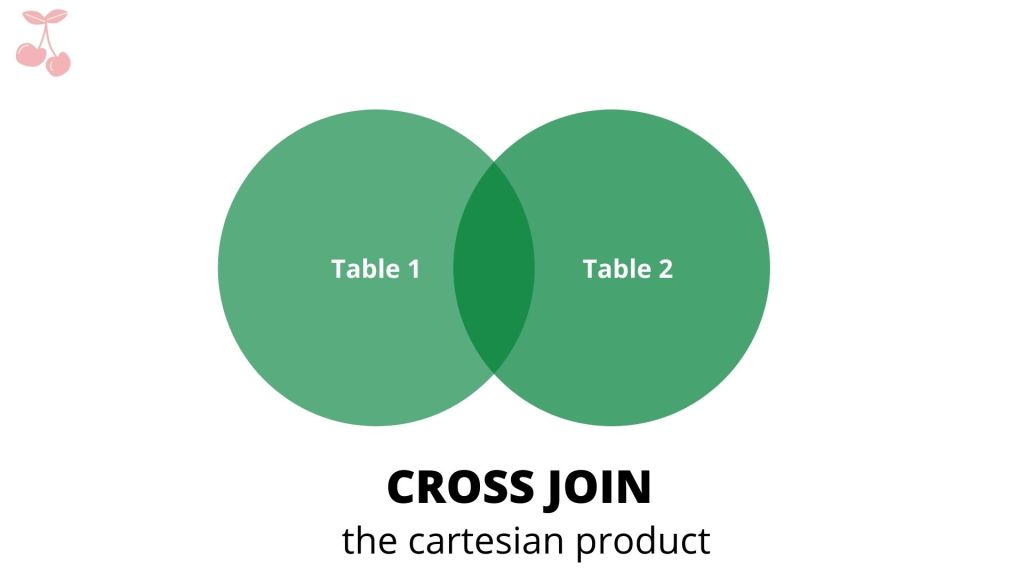
10. CROSS JOIN, the Cartesian product
SELECT *
FROM Table1 t1
CROSS JOIN Table2 t2;
A CROSS JOIN is a JOIN operation that produces the Cartesian product of two tables but unlike ‘JOIN’ operation there is no ‘JOIN’ clause however a ‘WHERE’ clause can be specified with the ‘SELECT’. source
Output of the above query:
| Id | Name | fk | fk_Table3 | Id | Favorite Color |
|---|---|---|---|---|---|
| 1 | Steve | 1 | – | 1 | Red |
| 2 | Aron | 3 | 1 | 1 | Red |
| 3 | Mary | – | 1 | 1 | Red |
| 4 | Fred | 1 | 2 | 1 | Red |
| 5 | Anne | 2 | – | 1 | Red |
| 1 | Steve | 1 | – | 2 | Green |
| 2 | Aron | 3 | 1 | 2 | Green |
| 3 | Mary | – | 1 | 2 | Green |
| 4 | Fred | 1 | 2 | 2 | Green |
| 5 | Anne | 2 | – | 2 | Green |
| 1 | Steve | 1 | – | 3 | Blue |
| 2 | Aron | 3 | 1 | 3 | Blue |
| 3 | Mary | – | 1 | 3 | Blue |
| 4 | Fred | 1 | 2 | 3 | Blue |
| 5 | Anne | 2 | – | 3 | Blue |
| 1 | Steve | 1 | – | 4 | Pink |
| 2 | Aron | 3 | 1 | 4 | Pink |
| 3 | Mary | – | 1 | 4 | Pink |
| 4 | Fred | 1 | 2 | 4 | Pink |
| 5 | Anne | 2 | – | 4 | Pink |


Leave a comment