
365 Days Of Daily Coding: Day 20
I took a break for few days as I felt sick and exhausted with having to work on a daily post and also working full time. I hope if someone out there is following my daily posts and inspires to also do a daily 365 coding challenge, I hope when you truly feel the need to take a break, please do take one until you feel restored.
I am continuing my blog posts on the Oracle SQL JOIN Type series and this will be the last of the series.
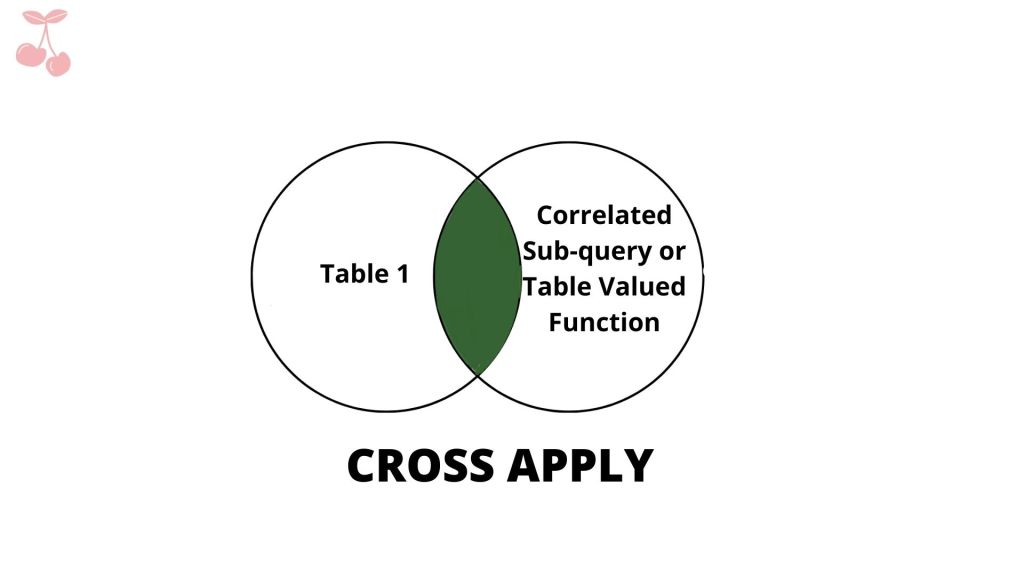
11. CROSS APPLY
SELECT *
FROM Table1 t1
CROSS APPLY
[dbo].[someTVF](t1.fk)
AS t;“The CROSS APPLY operator is semantically similar to INNER JOIN. It retrieves all the records from the table where there are corresponding matching rows in the output returned by the table valued function.” Source
A table valued function is a function that returns data in the form of tables. With the conventional JOIN, only objects that are tables can be joined whereas with CROSS APPLY, a table can be joined with a table valued functions.
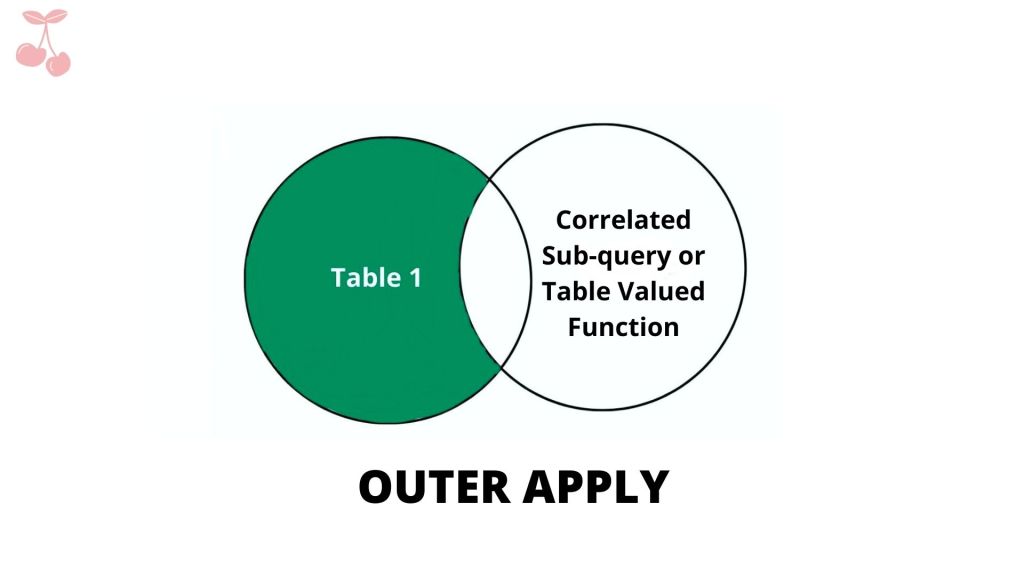
12. OUTER APPLY
SELECT *
FROM Table1 t1
OUTER APPLY
[dbo].[someTVF](t1.fk)
AS t;
Like the CROSS APPLY, OUTER APPLY operator is semantically similar to the LEFT JOIN. CROSS APPLY fetches data from the table and the table output functions.
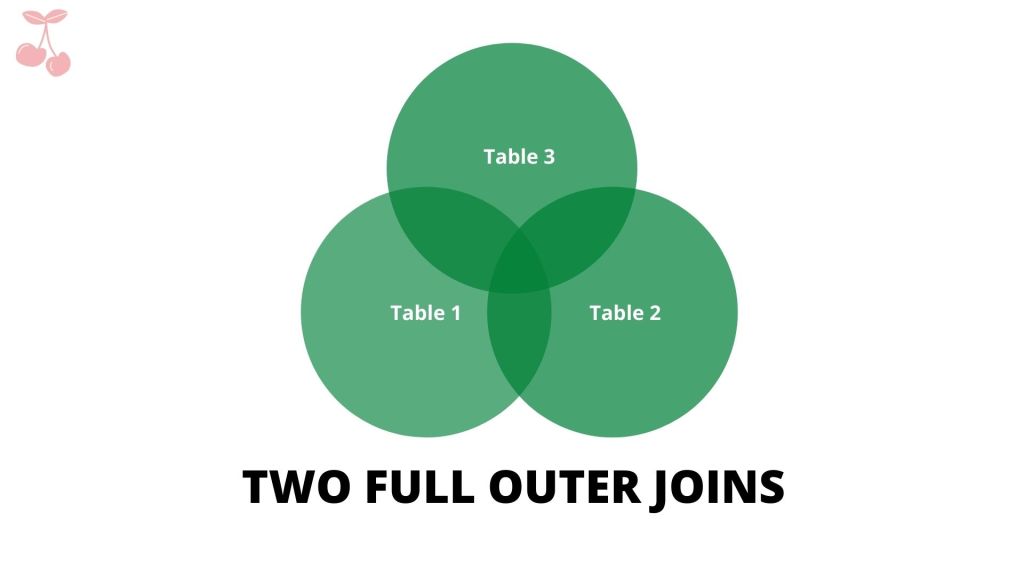
13. Two FULL OUTER JOINS
SELECT *
FROM Table1 t1
FULL OUTER JOIN Table2 t2
ON t1.fk = t2.id
FULL OUTER JOIN Table3 t3
ON t1.fk_table3 = t3.id
ORDER BY t1.id;
FULL OUTER JOIN and FULL JOIN are the same. FULL OUTER JOIN returns all rows that are the combination of the three tables (‘Table1’, ‘Table2’, ‘Table3’).
| id | Name | fk | fk_Table3 | id | Favorite Color | id | dataValue |
|---|---|---|---|---|---|---|---|
| 1 | Steve | 1 | – | 1 | Indigo | – | – |
| 1 | Steve | 1 | – | 1 | Red | – | – |
| 2 | Aron | 3 | – | 3 | Blue | – | – |
| 3 | Mary | 2 | – | 2 | Green | – | – |
| 4 | Fred | 1 | – | 1 | Indigo | – | – |
| 4 | Fred | 1 | – | 1 | Red | – | – |
| 5 | Anne | 5 | – | 5 | Purple | – | – |
| 6 | Beth | 8 | 1 | 8 | Yellow | 1 | Pizza |
| 7 | Johnny | – | 1 | – | – | 1 | Pizza |
| 8 | Kerry | – | 2 | – | – | 2 | Burger |
| – | – | – | – | 7 | Orange | – | – |
| – | – | – | – | – | – | 3 | Sushi |
| – | – | – | – | 4 | Pink | – | – |
| – | – | – | – | 6 | Mauve | – | – |
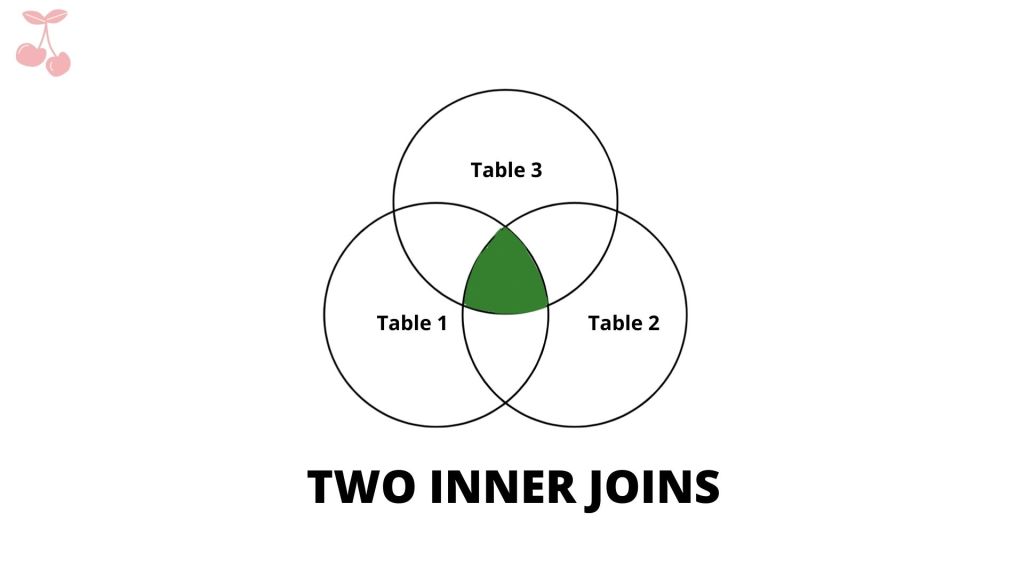
14. Two INNER JOINs
SELECT *
FROM Table1 t1
INNER JOIN Table2 t2
ON t1.fk = t2.id
INNER JOIN Table3 t3
ON t1.fk_table3 = t3.id;
TWO INNER JOIN returns all the rows that have a match between the three tables (‘Table1’, ‘Table2’, ‘Table3’).
| id | Name | fk | fk_Table3 | id | Favorite Color | id | dataValue |
|---|---|---|---|---|---|---|---|
| 6 | Beth | 8 | 1 | 1 | Yellow | 1 | Pizza |
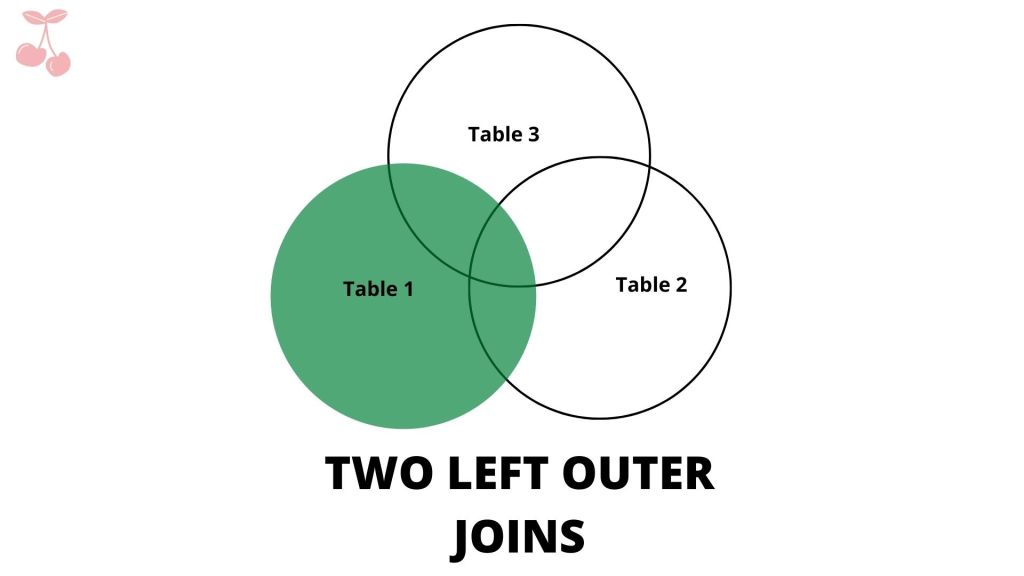
15. Two LEFT OUTER JOINS
SELECT *
FROM Table1 t1
LEFT OUTER JOIN Table2 t2
ON t1.fk = t2.id
LEFT OUTER JOIN Table3 t3
ON t1.fk_table3 = t3.id
ORDER BY t1.id;
TWO LEFT OUTER JOINS returns all the matched and unmatched rows from the ‘Table 1’.
| id | Name | fk | fk_Table3 | id | Favorite Color | id | dataValue |
|---|---|---|---|---|---|---|---|
| 1 | Steve | 1 | – | 1 | Indigo | – | – |
| 1 | Steve | 1 | – | 1 | Red | – | – |
| 2 | Aaron | 3 | – | 3 | Blue | – | – |
| 3 | Mary | 2 | – | 2 | Green | – | – |
| 4 | Fred | 1 | – | 1 | Indigo | – | – |
| 4 | Fred | 1 | – | 1 | Red | – | – |
| 5 | Anne | 5 | – | 5 | Purple | – | – |
| 6 | Beth | 8 | 1 | 8 | Yellow | 1 | Pizza |
| 7 | Johnny | – | 1 | – | – | 1 | Pizza |
| 8 | Kerry | – | 2 | – | – | 2 | Burger |
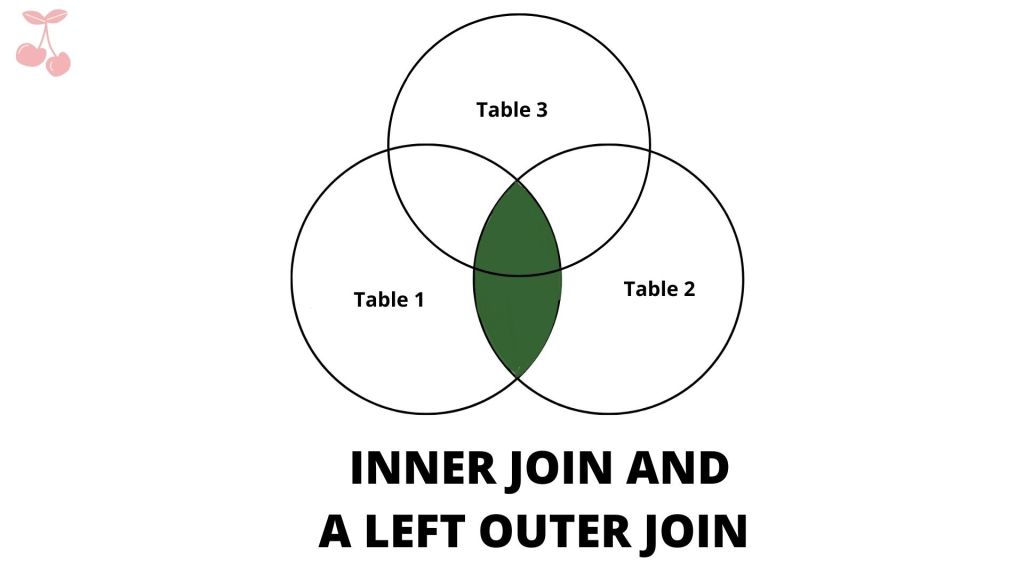
16. INNER JOIN and a LEFT OUTER JOIN
SELECT *
FROM Table1 t1
INNER JOIN Table2 t2
ON t1.fk = t2.id
LEFT OUTER JOIN Table3 t3
ON t1.fk_table3 = t3.id
ORDER BY t1.id;;
The INNER JOIN AND A LEFT OUTER JOIN returns the rows that are matched between ‘Table1’ and ‘Table2’ and then joins with ‘Table3’.
| id | Name | fk | fk_Table3 | id | Favorite Color | id | dataValue |
|---|---|---|---|---|---|---|---|
| 1 | Steve | 1 | – | 1 | Indigo | – | – |
| 1 | Steve | 1 | – | 1 | Red | – | – |
| 2 | Aaron | 3 | – | 3 | Blue | – | – |
| 3 | Mary | 2 | – | 2 | Green | – | – |
| 4 | Fred | 1 | – | 1 | Indigo | – | – |
| 4 | Fred | 1 | – | 1 | Red | – | – |
| 5 | Anne | 5 | – | 5 | Purple | – | – |
| 6 | Beth | 8 | 1 | 8 | Yellow | 1 | Pizza |
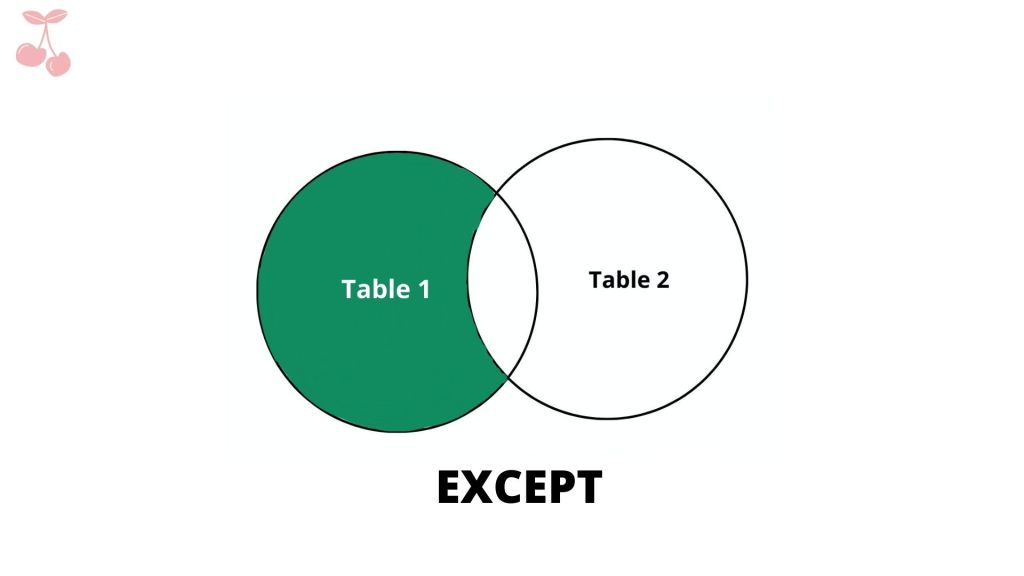
17. EXCEPT
SELECT fk as id
FROM Table1
EXCEPT
SELECT ID
FROM Table2;
The ‘EXCEPT’ operator retrieves all the rows from ‘Table1’ and then remove all the rows from the second table ‘Table2’. The ‘EXCEPT’ operator behaves like the operator ‘MINUS’.
| id |
|---|
| 7 |
| 8 |
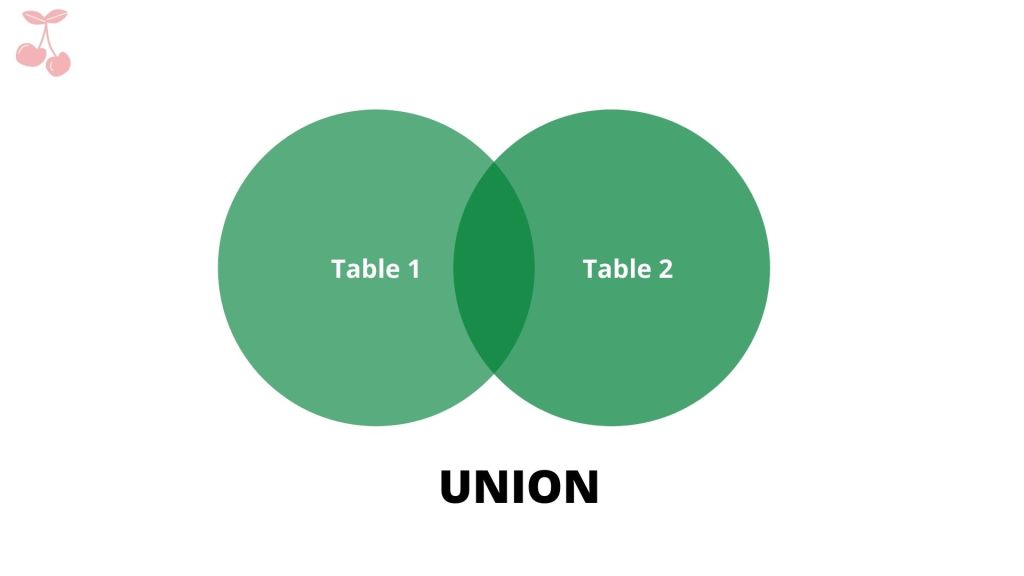
18. UNION
SELECT fk as id
FROM Table1
UNION
SELECT ID
FROM Table2;
w3 school has a clear explanation on ‘UNION’ operator. With the ‘UNION’ operator, the results of the two or more tables are combined from the ‘SELECT’ clause.
Unlike ‘UNION ALL’, ‘UNION’ operator returns all the distinct values from both the tables.
It may seem as though ‘UNION’ and ‘FULL OUTER JOIN’ perform similar operation, however, ‘UNION’ is used to combine rows and ‘FULL OUTER JOIN’ is used to combine columns from two or more tables.
| id |
|---|
| 1 |
| 2 |
| 3 |
| 4 |
| 5 |
| 6 |
| 7 |
| 8 |
| – |
19. INTERSECT
SELECT fk as id
FROM Table1
INTERSECT
SELECT ID
FROM Table2;
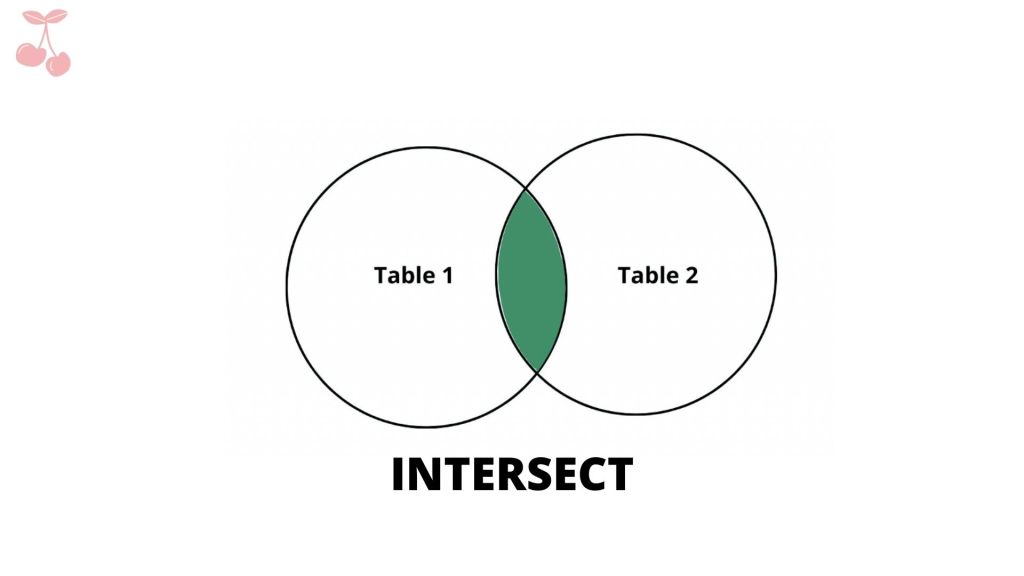
Like the ‘INNER JOIN’, ‘INTERSECT’ returns all the rows that are common between the two or more tables. However, the difference between them is that
“The INNER JOIN will return duplicates, if id is duplicated in either table. INTERSECT removes duplicates. The INNER JOIN will never return NULL, but INTERSECT will return NULL.
The two are very different; one (INTERSECT ) is an operator that generally matches on a limited set of columns and can return zero rows or more rows in either table. The other is a set-based operator that compares complete rows between two sets and can never return more rows than in the smaller table.” Source
| id |
|---|
| 1 |
| 2 |
| 3 |
| 5 |
| 8 |


Leave a comment